Hey In this tutorial we are going to see How to Show and Hide Text in WordPress Posts by Using jQuery.
For ShowHide Text Using JQuery show() and Hide() Method & For Toggle Effect using JQuery slideToggle().
Totally 7 Line Javascript Code only
How to Show and Hide Text in WordPress Posts?
you can easily install this Show/Hide JQuery Plugin on your WordPress website by Creating Site Specific Plugin for this show and hide JQuery Widget.
- Open your WordPress plugin Directory via FTP (wp-contents/plugins) or create a plugin locally
- Create a Folder for the Plugin Named as “simple-show-hide“
- Now a Create a New File named as “awts-simple-shde.php“
- Copy and paste this Below code on the Newly created PHP File
<?php
/*
* Plugin Name: Simple jQuery Show and Hide Text
* Plugin URI: https://www.allwebtuts.com/
* Description: Simple jQuery Show/Hide text Plugin for WordPress
* Version: 1.0
* Author: Santhosh veer
* Author URI: https://www.allwebtuts.com/
* License: GPLv2 or later
* License URI: http://www.gnu.org/licenses/gpl-2.0.html
*/


// Plugin CSS File
add_action('wp_head','showhide_css');
function showhide_css() {
$output="<style>
.show-hide {
line-height: 30px;
margin:auto;
font-size:16px;
padding:5px;
text-align:center;
background:#555;
border:solid 1px #666;
color:#ffffff;
border-radius:3px;
}
.show-hide
{
cursor:pointer;
}
</style>";

echo $output;

}

// Simple jQuery Show/Hide Plugin by Santhosh veer
function awts_showhide( $atts, $content = null) {

// Attributes
$atts = shortcode_atts(
array(
'sub' => '',
),
$atts,
'showhide'
);

// Return custom embed code
return '<p class="show-hide">' . $atts['sub'] . '</p>
<div class="sh-panel">'.$content.'</div>';

}
add_shortcode( 'showhide', 'awts_showhide' );

function showhide_script_init() {
wp_enqueue_script( 'showhide', 'https://ajax.googleapis.com/ajax/libs/jquery/1.11.1/jquery.min.js', array('jquery') );
}
add_action('wp_enqueue_scripts', 'showhide_script_init');

function showhide_init() {
echo '<script type="text/javascript">
$(document).ready(function(){
$(".sh-panel").hide();
$(".show_hide").show();
$(".show-hide").click(function(){
$(".sh-panel").slideToggle();
});
});
</script>';
}
add_action('wp_footer', 'showhide_init');
- If you created this plugin directly from your WordPress site Hosted File Directory then Goto Plugins > Installed plugins & Active your newly Created plugin for show and hide text
- created it from your local Directory? just Compress it to zip Format with folder go to plugin > add new > Upload plugin.

- That’s all Done 🙂
How to use this Plugin?
Use this Below shortcode to Display Show and Hide text in WordPress posts
[showhide sub="Let me Show it Pls"]

Santhosh veer

[/showhide]
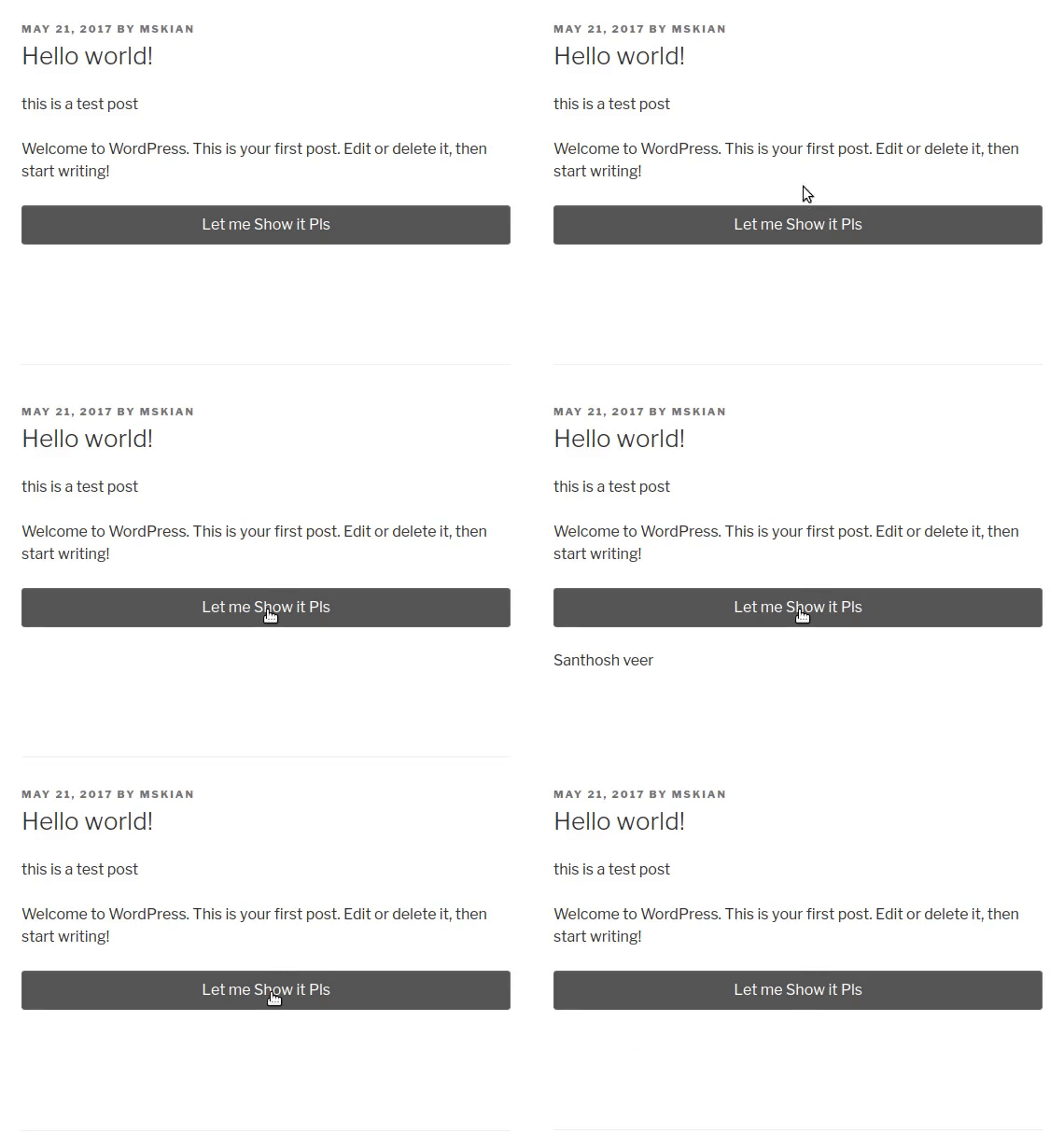
- Sub – Heading for Button
- Insert the Content Between [showhide sub=”Button text”]Content[/showhide]
From the Editor’s Desk
Currently, we can use Only one Show and Hide Text Effect in WordPress Posts.It does not support Multiple Show and hide text on the Single post.Soon I will write the tutorial for Displaying the Multiple Show/Hide text on Single WordPress posts.
If you Have any doubts and Queries Related to this Topic Just Drop your Comments Here I will Guide you.
Popular Plugins
- Display Random Affiliate Banner ads in WordPress
- Add responsive Banner Ad Widget in Footer with close button
Your feedback helps us improve Allwebtuts.com